v1.0 · Available now · Windows 10/11 (64-bit)
Uninstall it properly — leftovers included.
Windows’ own uninstall removes a program and quietly leaves the rest behind: folders in AppData, registry keys, services, shortcuts. HOTS Uninstaller does the whole job. It runs the program’s own uninstaller, scans for what was left behind and lets you review and remove it. Nothing is deleted behind your back.
GPLv3 · free & open source
🔒 No telemetry · no ads
No account needed
EN · PL · FR · DE · ES
Free download, no trial, no hidden costs · Windows will ask to confirm admin rights on first run · SmartScreen may warn about a new app — see why
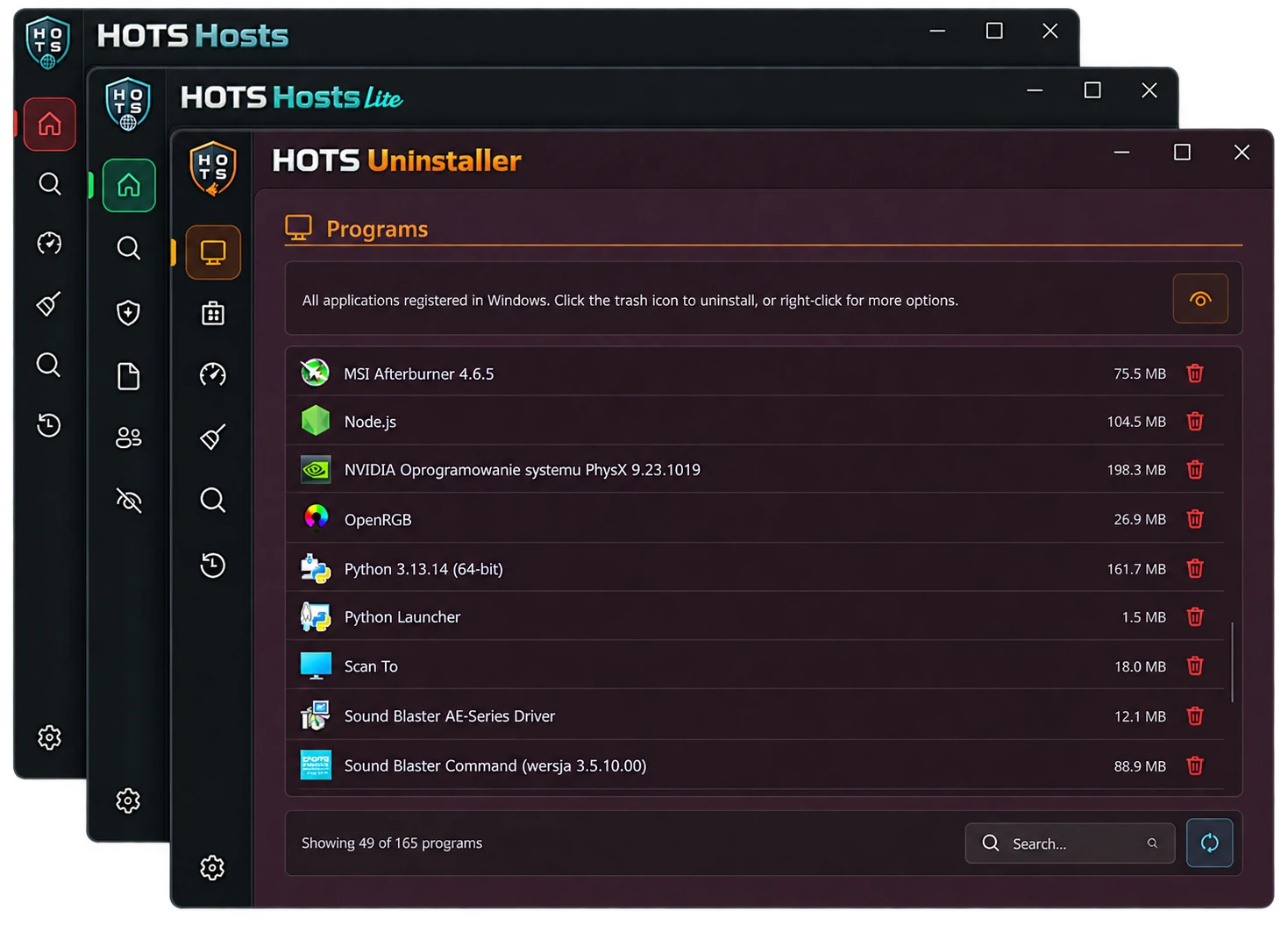


Click a screenshot to enlarge.
 Ko-fi
Ko-fi
